Winter & Christmas
Christmas Carousel
Christmas watch face: horses and reindeer ride a carousel in a snowy square
 In the Tempus Arcanum app on Google Play
Looks
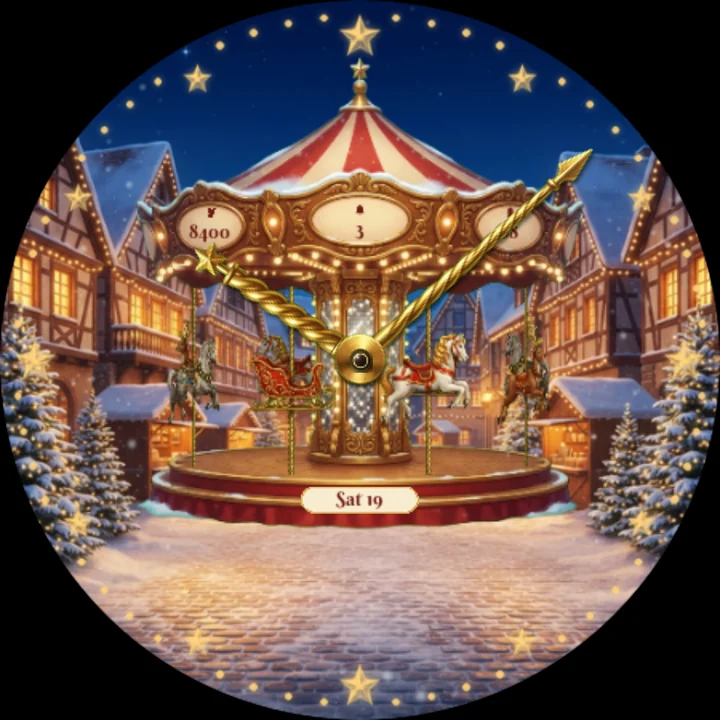
Gold stars 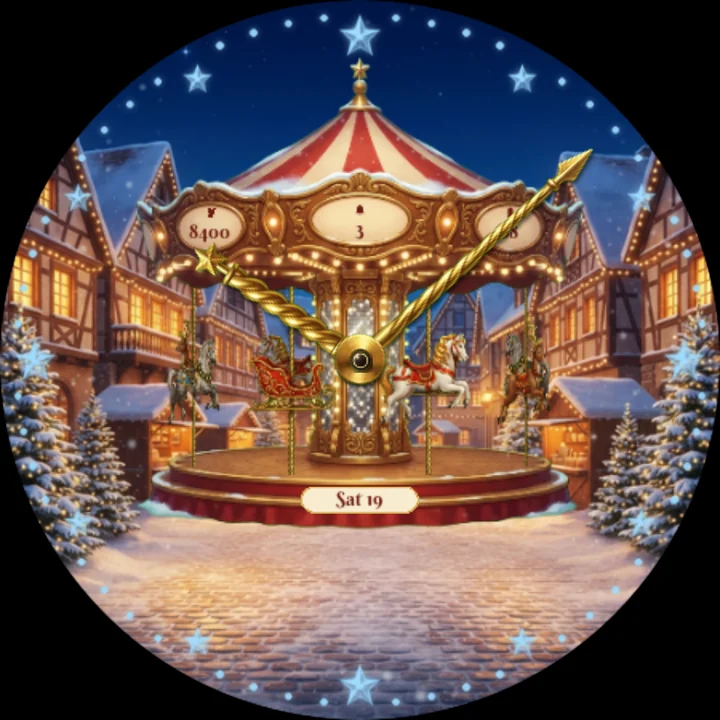
Ice stars 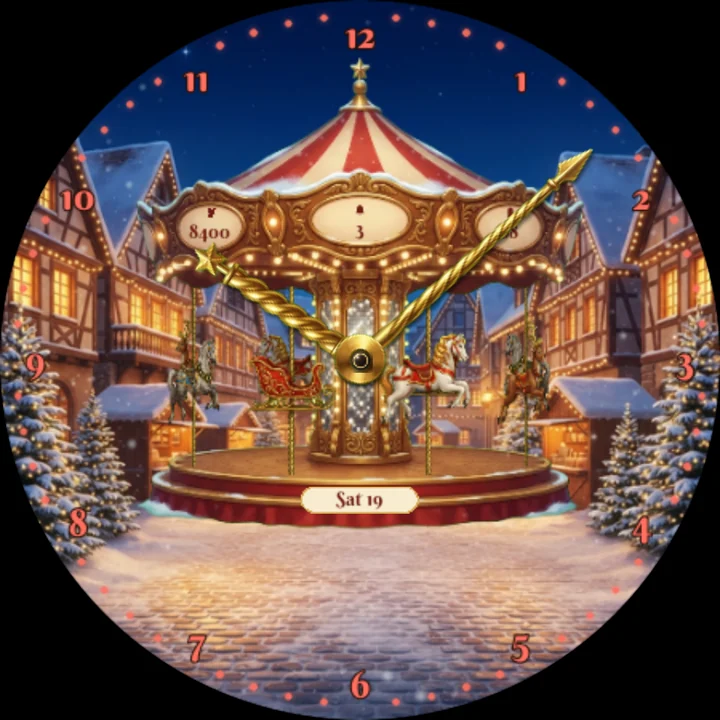
Red arabic 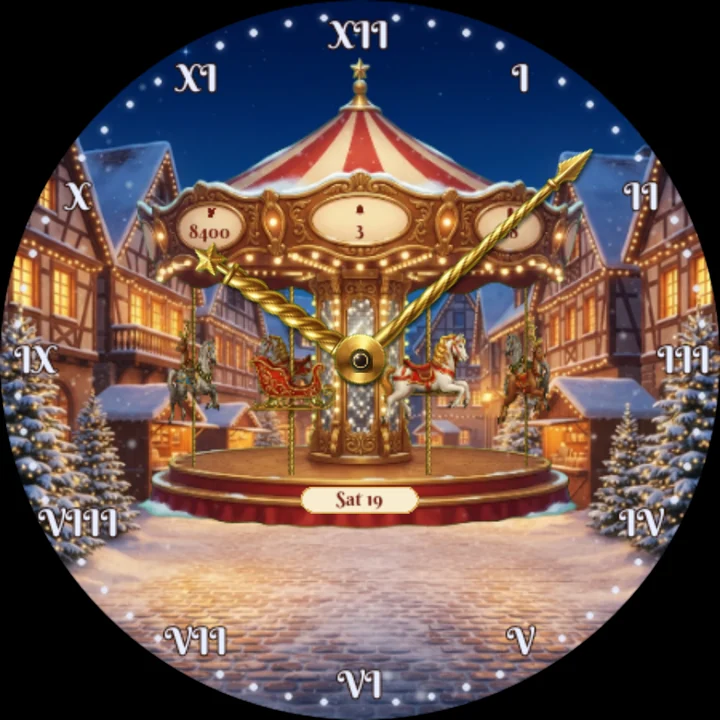
Silver roman
A festive Christmas watch face for Wear OS. A snowy old town square on Christmas Eve, warm lights in every window, and in the middle a golden Christmas carousel under a red-and-cream striped roof.
A classic analog face
- Two hands made like the carousel's twisted brass poles turn on its mirrored centre column.
- Twelve glittering stars round the dial mark the hours, or Roman or Arabic numerals if you prefer, and a ring of small bulbs the minutes.
- The day and date sit on a little plaque at the front of the carousel.
The carousel comes to life
- Every hour the carousel turns: white and grey horses, a reindeer and a little red sleigh ride round in front of the column and behind it, rising and falling on their poles, while a light runs round the ring of bulbs.
- Tap the carousel to set it turning whenever you like.
- Each minute the carousel's lights twinkle and a flurry of snow drifts down.
- On Christmas Eve, from 6 pm, it turns every quarter hour, and at midnight golden sparkles fall over the square.
- In always-on mode the face turns dark: the stars, the bulbs, the hands, the date, your steps and your battery, to save power.
Your information is on the carousel
Your steps, unread notifications and battery are painted on the three oval panels under its roof.
Make it yours
- Lights: warm gold, silver, festive red or ice blue, for the stars, the numerals and the bulbs.
- Numerals: stars, Roman or Arabic.
- Snowfall: on by default; switch it off to save a little battery.
- Three complications on the panels: steps, unread notifications and battery by default. Choose other data for any of them in the watch face editor.
Made for the holidays
- An animated Christmas look for December, holiday parties, Christmas Eve and New Year's Eve.
- Its Christmas Eve extras switch on by themselves on December 24: no setup needed.
To customize, touch and hold the watch face, then tap Customize.
Works on Wear OS 6 or later, such as Galaxy Watch models updated to One UI 8 Watch and Pixel Watch. Made in Watch Face Format: nothing to install on your phone, no permissions, no data collected.
Part of Tempus Arcanum, a collection of animated watch faces.
Similar watch faces
 Gingerbread DigitsChristmas watch face: the time in thick iced gingerbread cookies, in 3D
 Snow GlobeChristmas snow globe watch face: shake it and snow swirls round a tiny town
 Christmas Toy TrainChristmas watch face: a toy train circles the Christmas tree, counting seconds
 Snowman's Sign FreeChristmas watch face: a snowman by a chalkboard clock waves every hour
 Champagne TowerA champagne tower on gold bokeh: big gold time and the countdown to New Year
 Sparkler TrailsThe time written in sparkler light on a New Year's Eve sky, with a countdown