3D motion
Keycaps 3D
The time typed on sculpted keycaps - the minute keys rise out of the watch
 In the Tempus Arcanum app on Google Play
Looks
Keys rgb 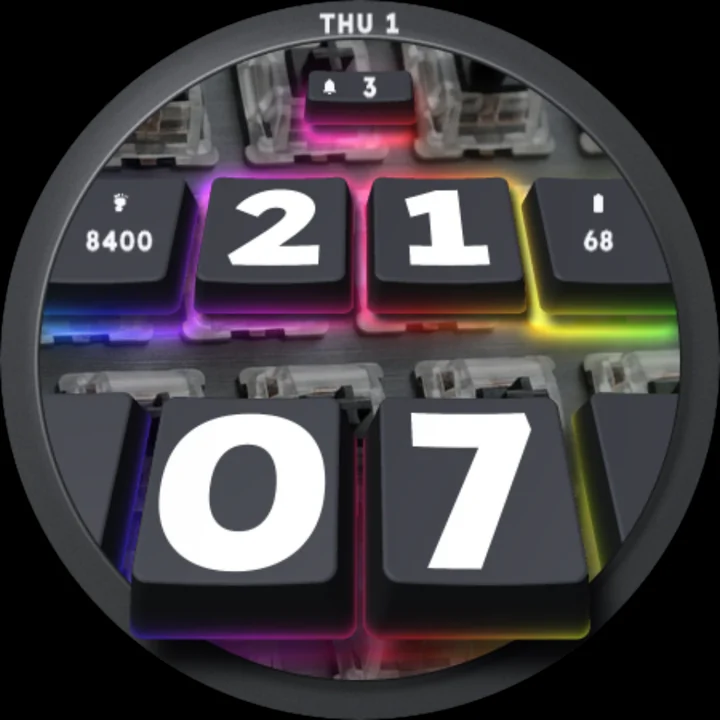
Keys retro 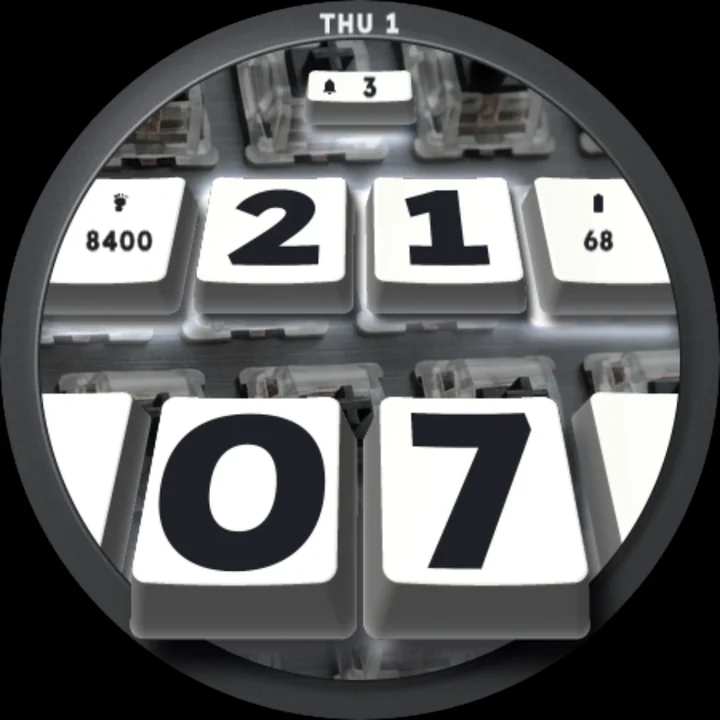
Keys white
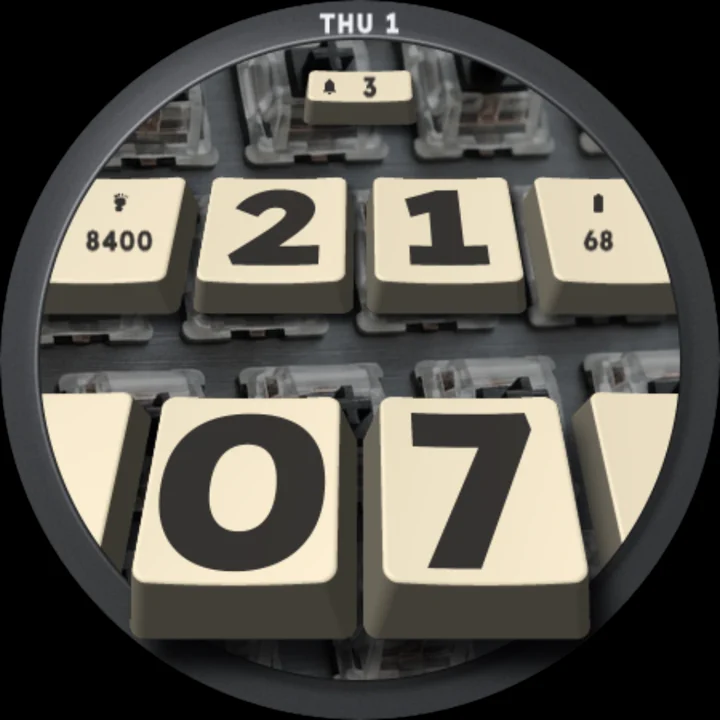
A mechanical keyboard, up close, round your wrist. Sculpted keycaps stand over a switch plate inside a dark brushed aluminium case, and the time is typed on them: the hours on two keys pressed flush in the upper row, the minutes on two big keys raised high out of the keyboard toward you, their skirts reaching over the edge of the case with their shadows on it.
Every minute, a key pops up
When the minute changes, its new key springs up out of the plate with a flash of its backlight and settles in place.
Tap for a backlight wave
Tap the watch face and a wave of light runs across the keyboard under the keys. It runs on the hour too.
Printed like real keycaps
Every legend is bold and crisp, in strong contrast with its key, so the time reads at a glance.
Three keyboards
- RGB: dark keys, white legends, a rainbow backlight under every key.
- White: white keys, dark legends, a white backlight.
- Retro: beige keys, dark grey legends, no backlight.
Readings on the keys
Steps and battery are printed on the blank keys beside the hours, unread notifications on the small key at the top, and the date on the case. Put another app's complication there and it shows that app's icon and text. Set a slot to Empty and its key stays blank.
Easy on the battery
Nothing moves at rest: the keys change once a minute, the backlight wave plays only on a tap and on the hour. Always-on shows only the outlines of the time keys and the date, dim on black.
Make it yours
- Keys: RGB, white or retro.
- Three complications.
- 12- or 24-hour time, as your watch is set.
To customize, touch and hold the watch face, then tap Customize.
Works on watches with Wear OS 6 or later. Made in Watch Face Format: nothing to install on your phone, no permissions, no data collected.
Part of Tempus Arcanum, a collection of watch faces.
Similar watch faces
 Flip Clock 3DA retro flip clock on your desk - its cards flip in 3D every minute
 Tesseract 4D NeonA 4D hypercube in neon glass turns inside out on the hour behind the time
 Hourglass 3DAn antique hourglass in glass, wood and brass - tap it and it turns over
 Holo Cube 3DThe time climbs out of your watch: hologram digits step out past the frame
 Billboard 3DThe minutes burst out of a giant LED billboard - every new minute breaks through
 Subwoofer 3DBig metal minutes stand on a subwoofer's dust cap - every minute a bass thump