Art & world
Lunar Year Animal
Your Chinese zodiac animal in gold on carved red lacquer - by year or your own
 In the Tempus Arcanum app on Google Play
Looks

Animal auto 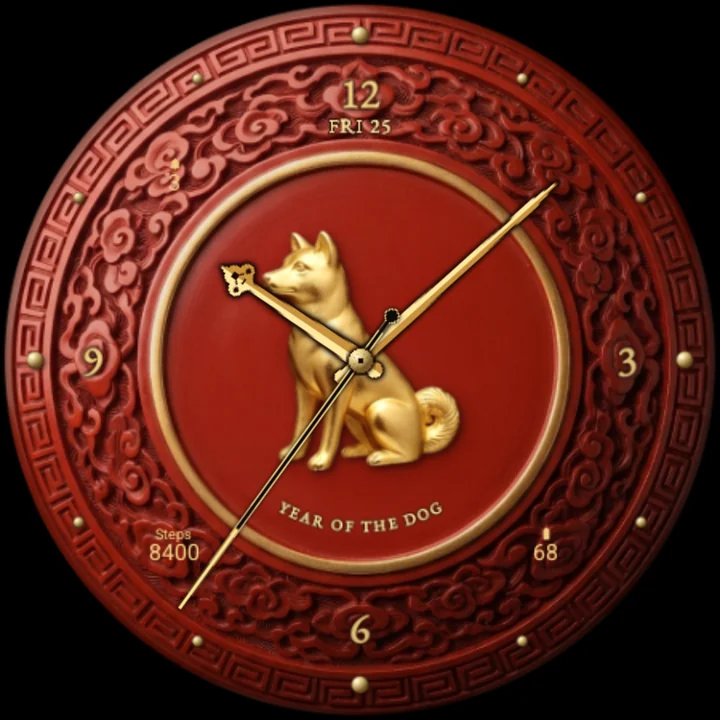
Animal dog 
Animal dragon 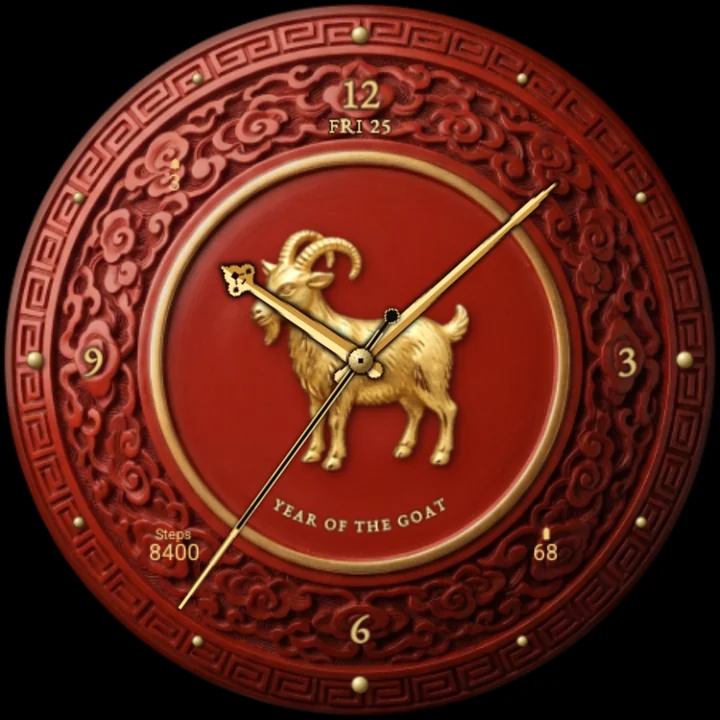
Animal goat 
Animal horse 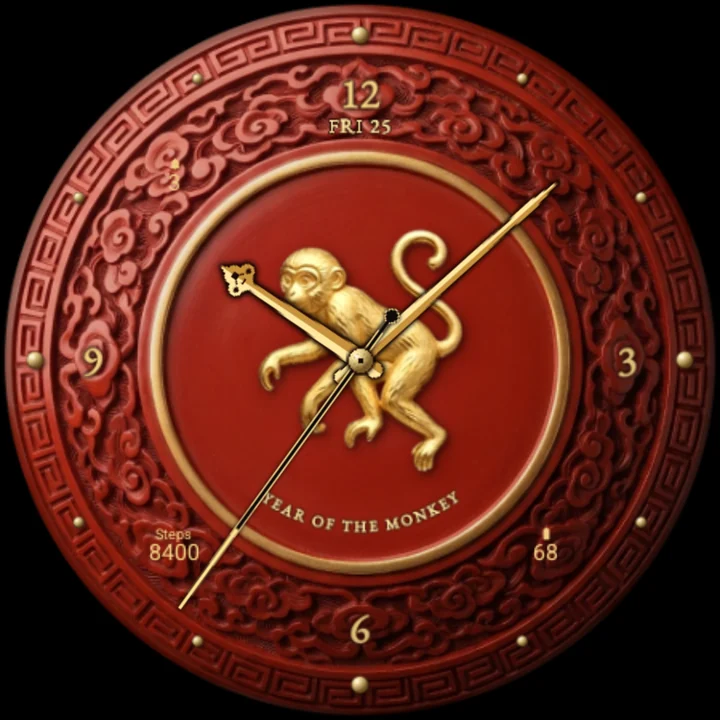
Animal monkey 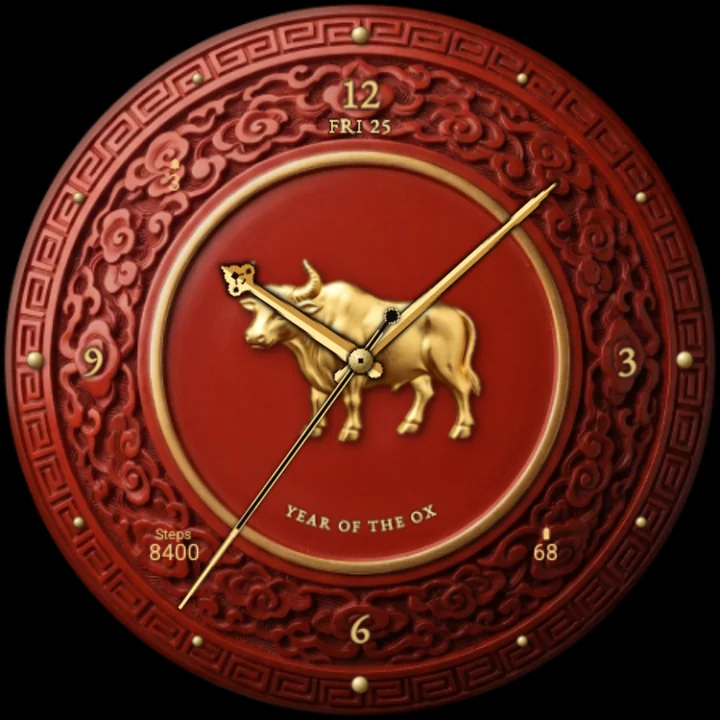
Animal ox 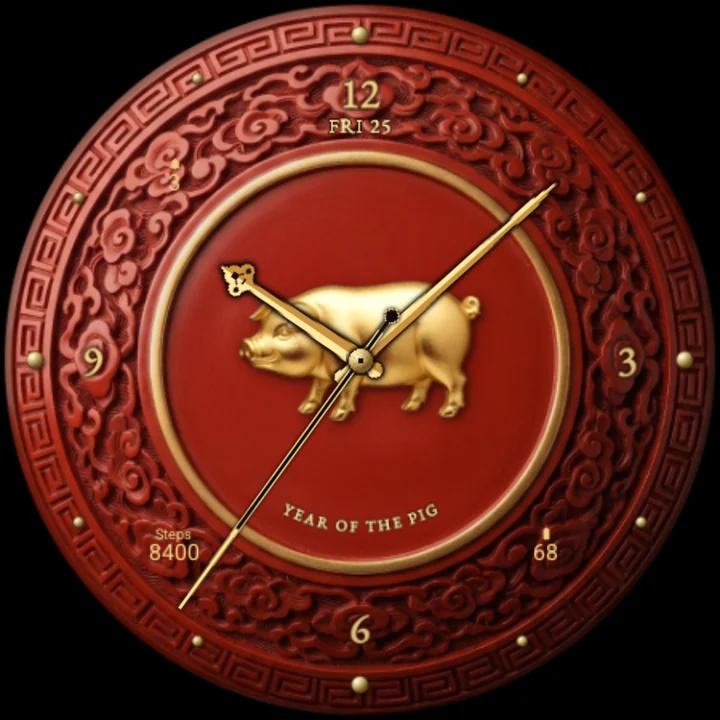
Animal pig 
Animal rabbit 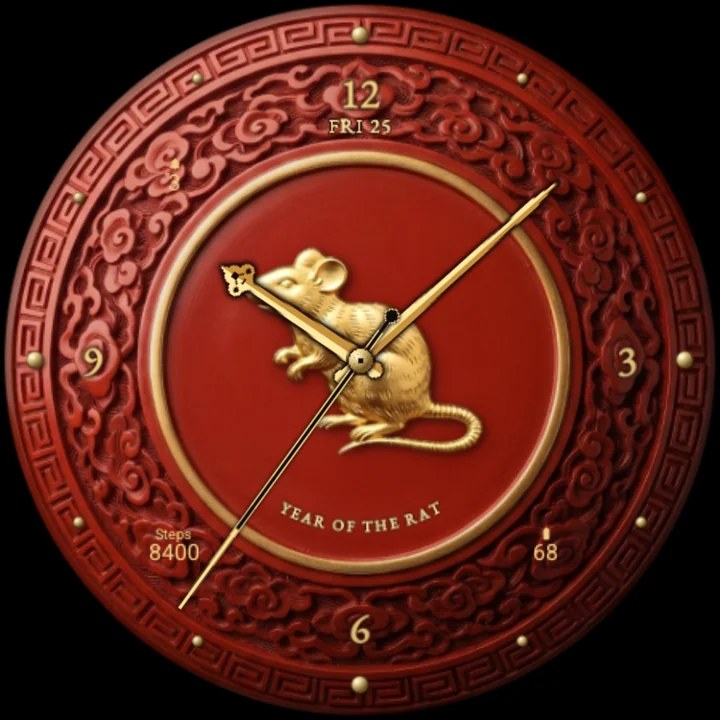
Animal rat 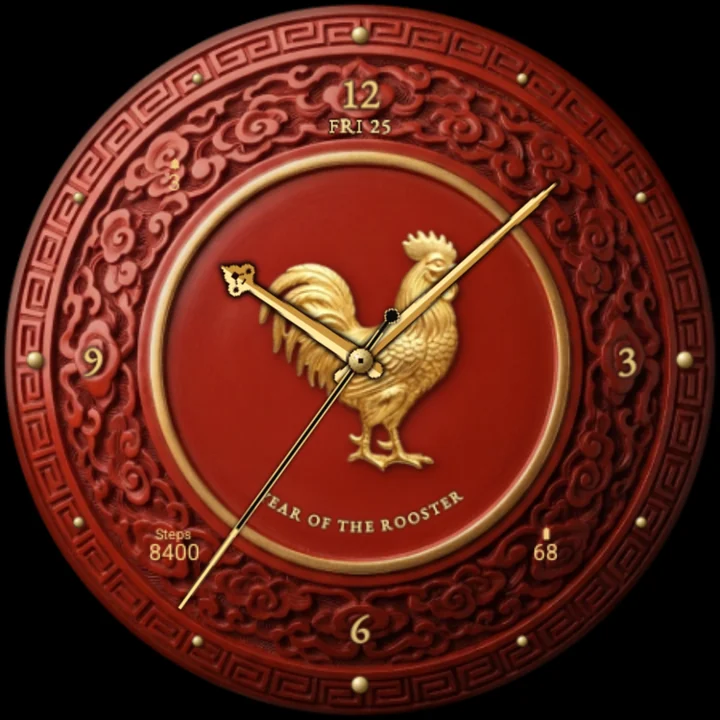
Animal rooster 
Animal snake 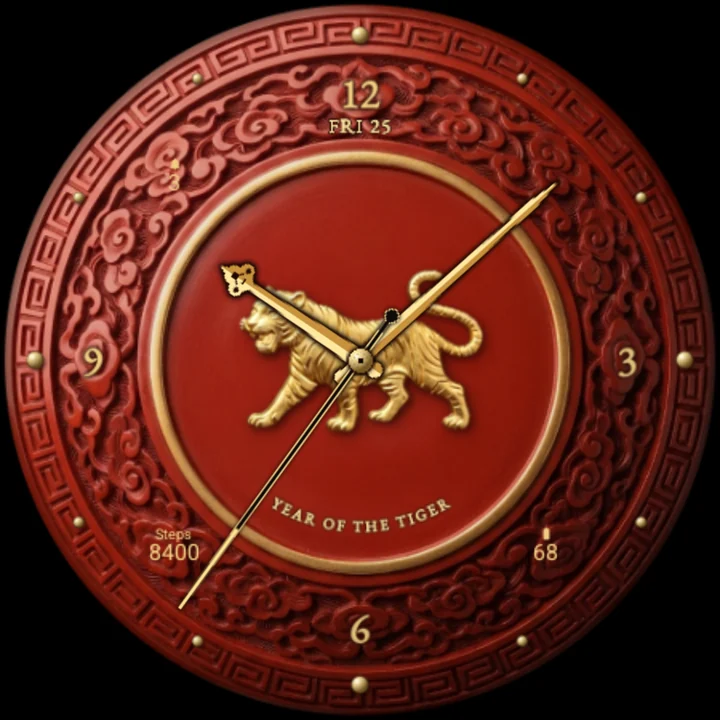
Animal tiger
The lid of a carved cinnabar-red lacquer box: a band of cloud scrolls and a key-fret border round a thin raised gold ring, and in its smooth red centre the animal of the lunar year as a gleaming gold relief, with "Year of the Horse" lettered in gold beneath it.
The animal of the year, automatically
Out of the box the face shows this year's animal and changes by itself when the year turns - on 4 February, when the astrological year begins. 2026 is the Year of the Horse.
Or your own animal
Pick your birth-year animal instead: Rat, Ox, Tiger, Rabbit, Dragon, Snake, Horse, Goat, Monkey, Rooster, Dog or Pig, each listed with its years so you can find yours.
Tap and the gold gleams
Tap the watch face and a bright light sweeps across the gold figure, sparkles flash on its relief, the gold ring gleams and the lacquer's shine glides over the medallion.
Every hour, a celebration
As the hour turns, small gold sparks rise round the carved border and burst like fireworks while the lacquer glows red and gold.
Gold on red lacquer
Twelve gold studs on the key-fret border mark the hours, 12, 3, 6 and 9 in gold figures. Gold hands with a dark edge stand out over the red and over the gold animal: the hour hand ends in a cloud-scroll curl, the minute hand in a slender point, and a black-lacquer seconds hand is tipped in gold.
Readings on the border
Steps, unread notifications and battery, in small gold lettering on the carved border, and the date under 12. Put another app's complication there and it shows that app's icon, or its title where it sends no icon.
Easy on the battery
The hands move once a second; the gleam and the fireworks play only on a tap and on the hour. Always-on shows the lid's rings, the animal as a faint gold outline and dim hands on black.
Make it yours
- Year animal: automatic (this year's) or any of the twelve.
- Three complications.
To customize, touch and hold the watch face, then tap Customize.
Works on watches with Wear OS 6 or later. Made in Watch Face Format: nothing to install on your phone, no permissions, no data collected.
Part of Tempus Arcanum, a collection of watch faces.
Similar watch faces
 Gold PantherA diamond and gold panther on black lacquer, with big gold time and readings
 Arabesque GoldGold arabesque lace on black ceramic: big time, the moon phase, steps, weather
 Butterfly SpecimenTwelve pinned butterflies in a glazed box tell the time; one flutters each hour
 Art Deco OnyxTall Art Deco gold figures on polished black onyx, with a gold sunburst fan
 Gold ScorpionA gold scorpion with black diamonds on black onyx, big gold time and readings
 Golden BullA gold bull with ruby eyes on green malachite, with big gold time and readings