Art & world
Porcelain Moon Jar
A white porcelain moon jar on handmade paper is the dial, brushed in ink
 In the Tempus Arcanum app on Google Play
Looks
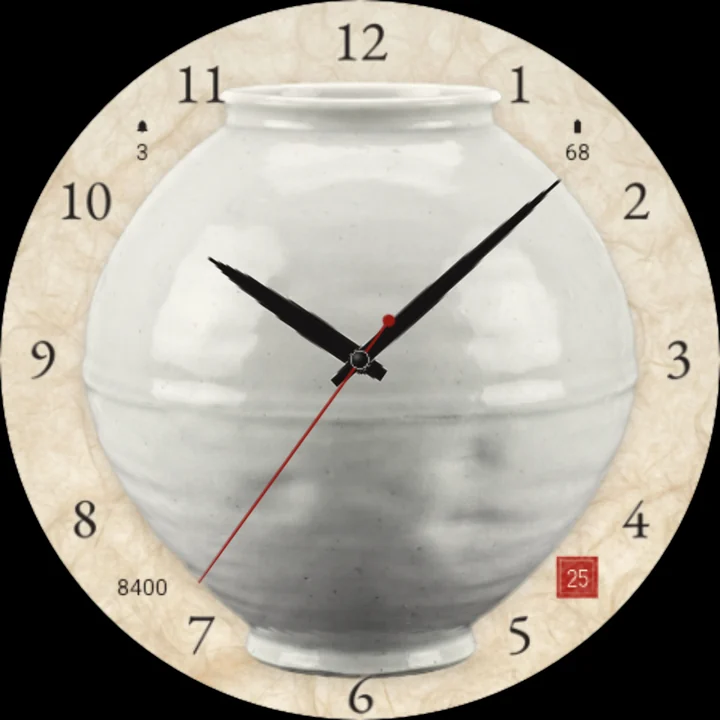
Marks numerals 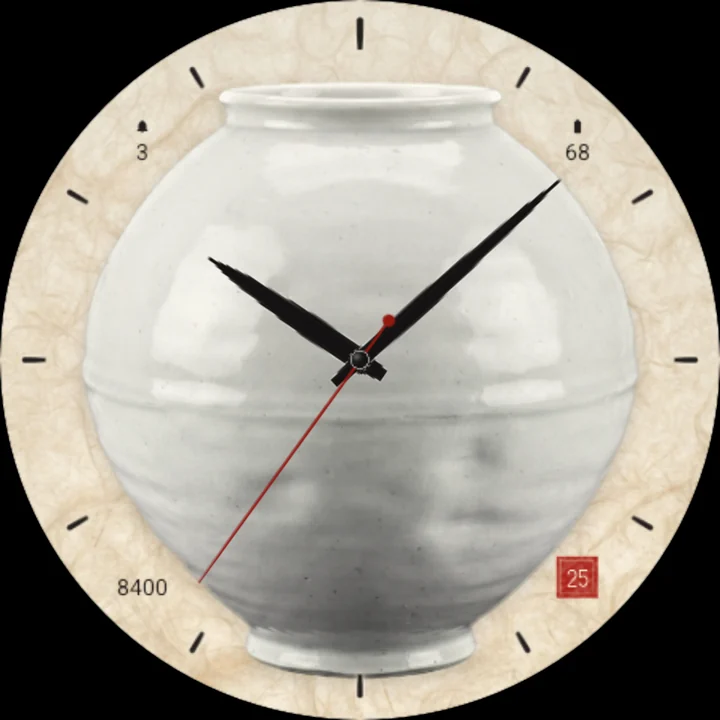
Marks all 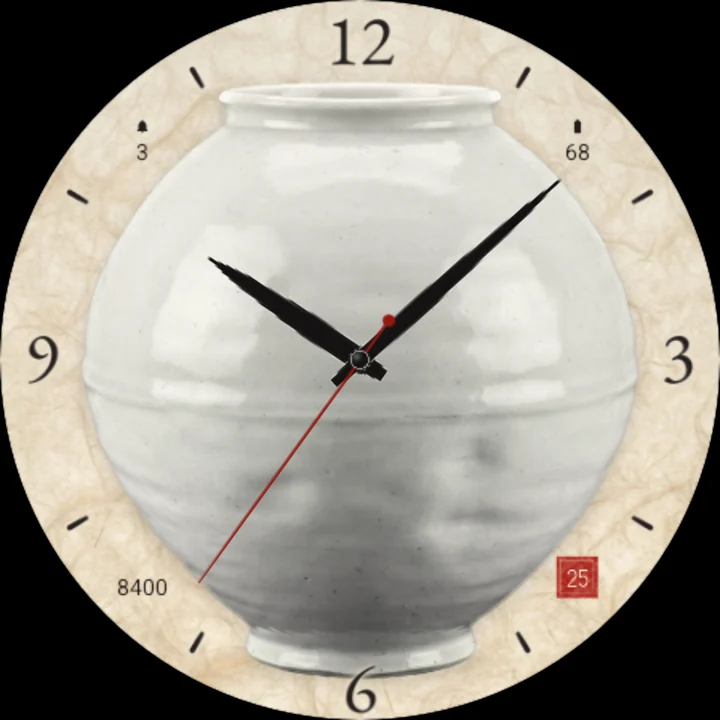
Marks dots 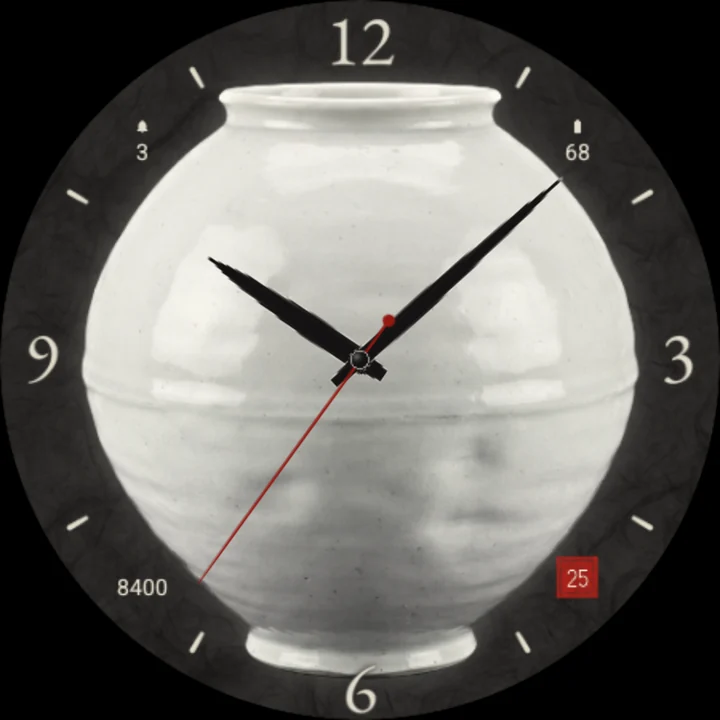
Paper charcoal 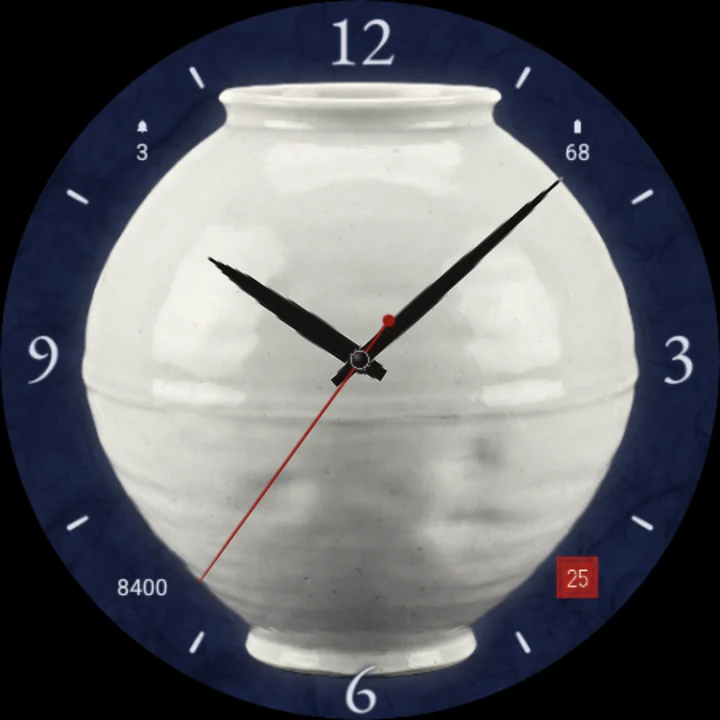
Paper indigo
A white porcelain moon jar - the round, quietly uneven jar of the Korean potters - stands on a sheet of handmade mulberry paper, and it is the dial. Its full body sits round the centre of the screen, its neck reaching towards 12 and its foot towards 6. The hours are written in ink on the paper round it: 12, 3, 6 and 9 in a fine serif with brush dashes between, all twelve numerals, or brush dashes alone.
Brush-stroke hands
The hour and minute hands are black ink, tapered like a calligraphy brush with a slight swell and a dry-brush edge. A slim seal-red seconds hand with a small red counterweight.
Tap for moonlight
Tap the watch face and a cool silver-blue moonlight sweeps slowly across the glaze, with a soft glow round the jar.
Every hour, the light turns
As the hour turns, a warm light travels once round the jar's rim, like the sun passing, and its shading turns softly with it.
The date in a seal
The day's number sits in a small square cinnabar seal, pressed on the paper like an artist's stamp.
Hour marks
- 12, 3, 6 and 9 with dashes between.
- All twelve numerals.
- Brush dashes alone, for the quietest dial.
Three papers
- Ivory mulberry paper.
- Charcoal ink-wash paper, the jar glowing on it.
- Indigo night.
Readings on the paper
Steps, unread notifications and battery, written small in fine ink on the paper round the jar, in the paper's own ink colour. Put another app's complication there and it shows that app's icon, or its title where it sends no icon.
Easy on the battery
The hands move once a second; the moonlight plays only on a tap and the turning light only on the hour. Always-on shows the jar as a faint outline, the hour marks dim and the hands as dim outlines.
Make it yours
- Hour marks: 12/3/6/9, all numerals or dashes.
- Paper: ivory, charcoal or indigo night.
- Three complications.
To customize, touch and hold the watch face, then tap Customize.
Works on watches with Wear OS 6 or later. Made in Watch Face Format: nothing to install on your phone, no permissions, no data collected.
Part of Tempus Arcanum, a collection of watch faces.
Similar watch faces
 Gold PantherA diamond and gold panther on black lacquer, with big gold time and readings
 Arabesque GoldGold arabesque lace on black ceramic: big time, the moon phase, steps, weather
 Butterfly SpecimenTwelve pinned butterflies in a glazed box tell the time; one flutters each hour
 Art Deco OnyxTall Art Deco gold figures on polished black onyx, with a gold sunburst fan
 Gold ScorpionA gold scorpion with black diamonds on black onyx, big gold time and readings
 Golden BullA gold bull with ruby eyes on green malachite, with big gold time and readings