Nature & space
Step Counter Summit
Your daily steps climb a photoreal mountain: a new peak each day of the week
 In the Tempus Arcanum app on Google Play
Looks
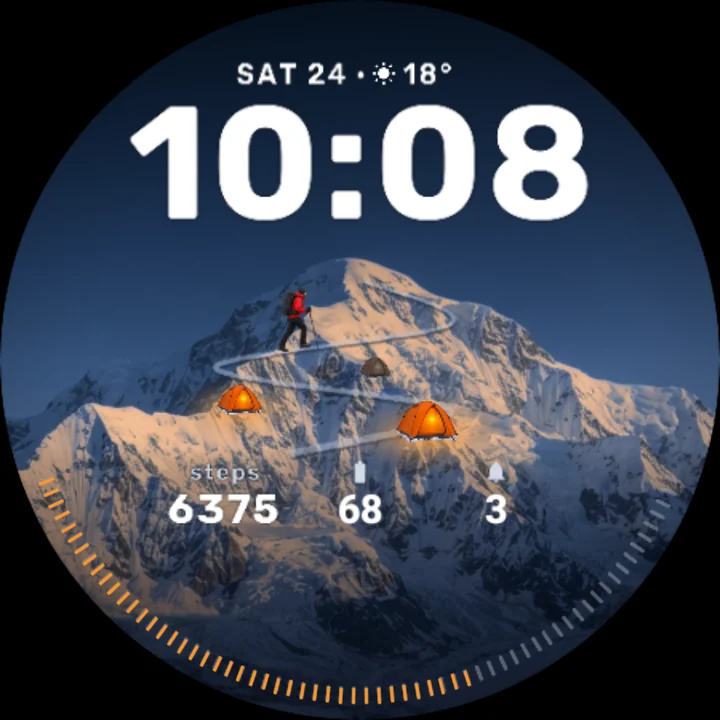
Peak of the day, white 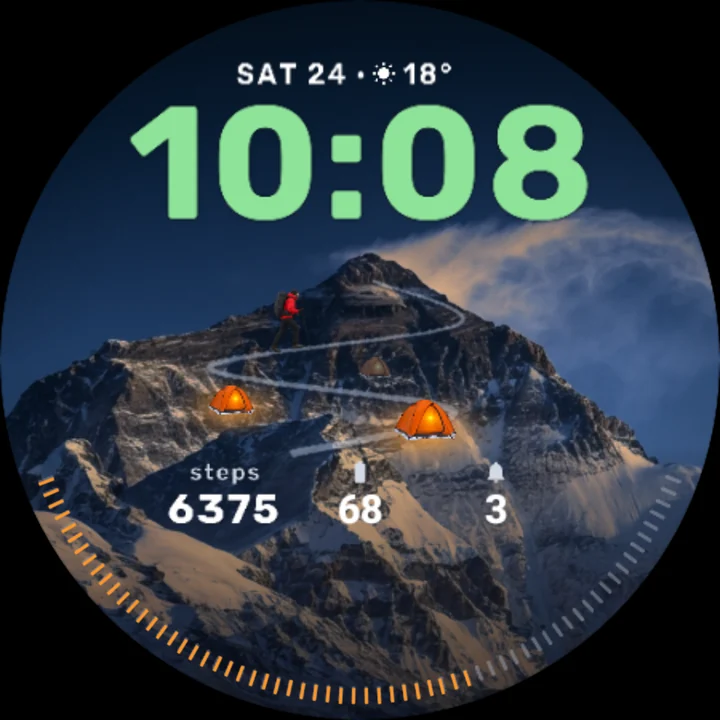
Himalayan giant, alpine 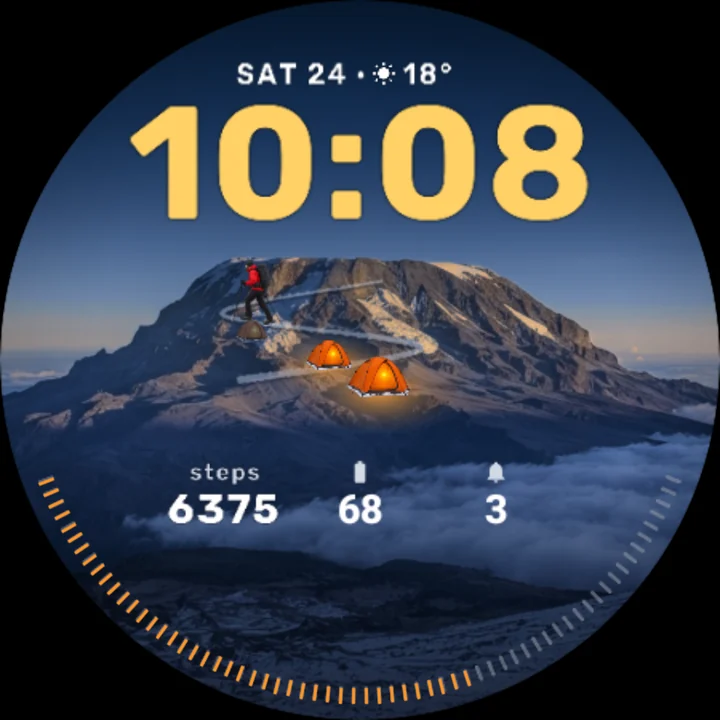
Glacier dome, gold 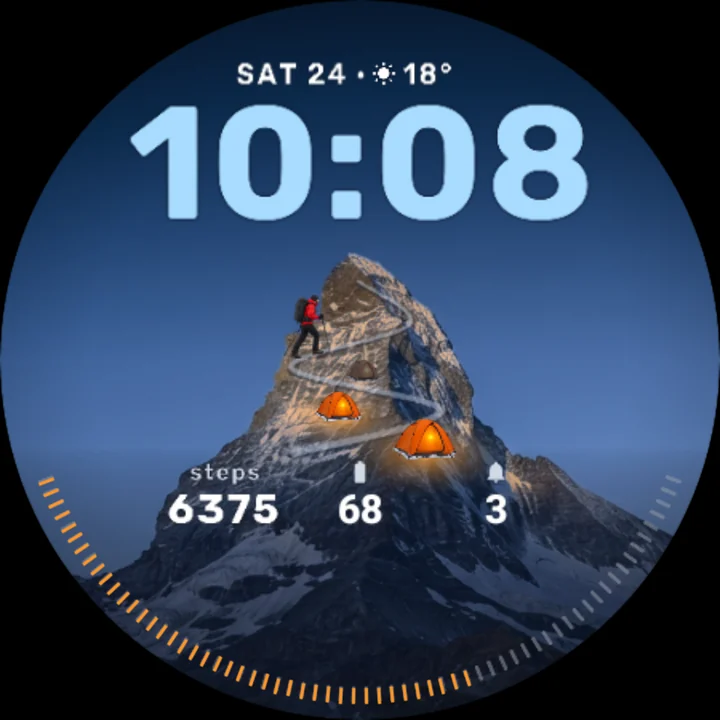
Pyramid peak, ice 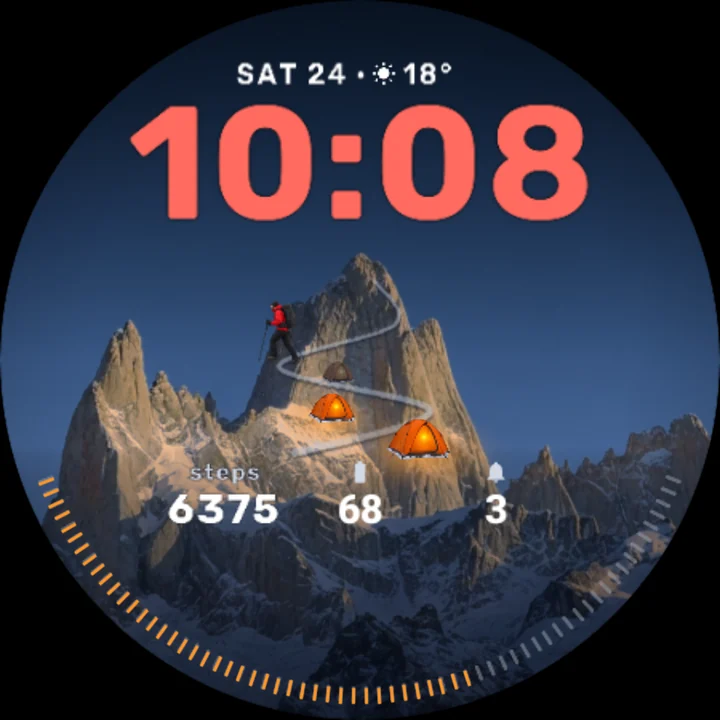
Granite spires, red 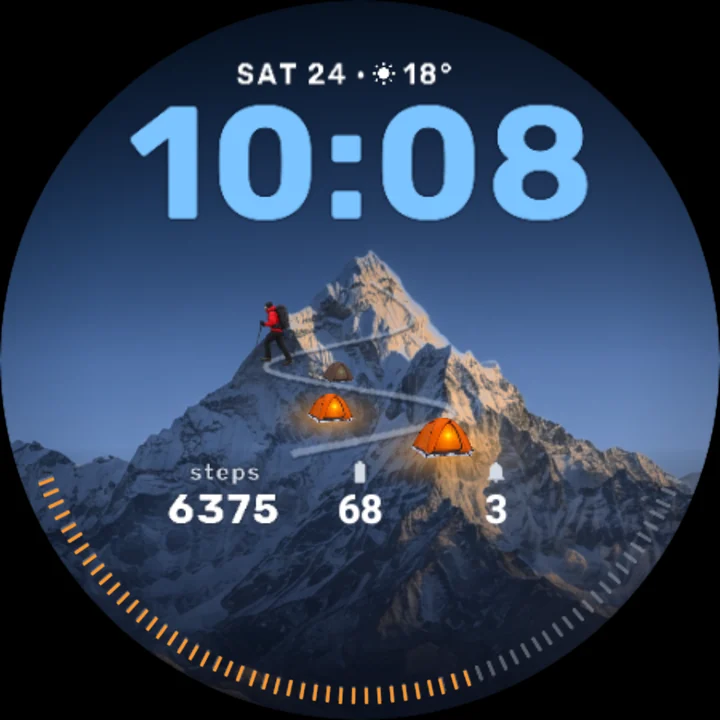
Ridge peak, sky 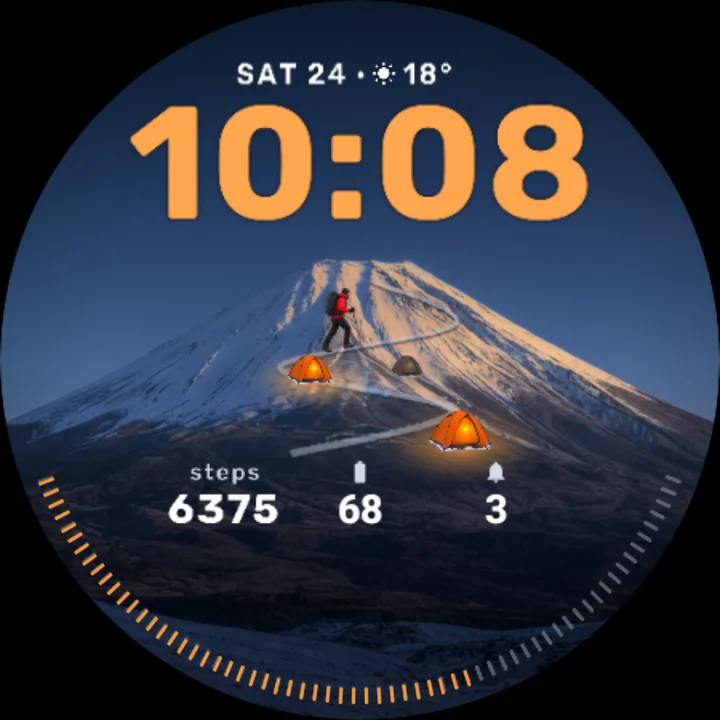
Volcano cone, sunrise 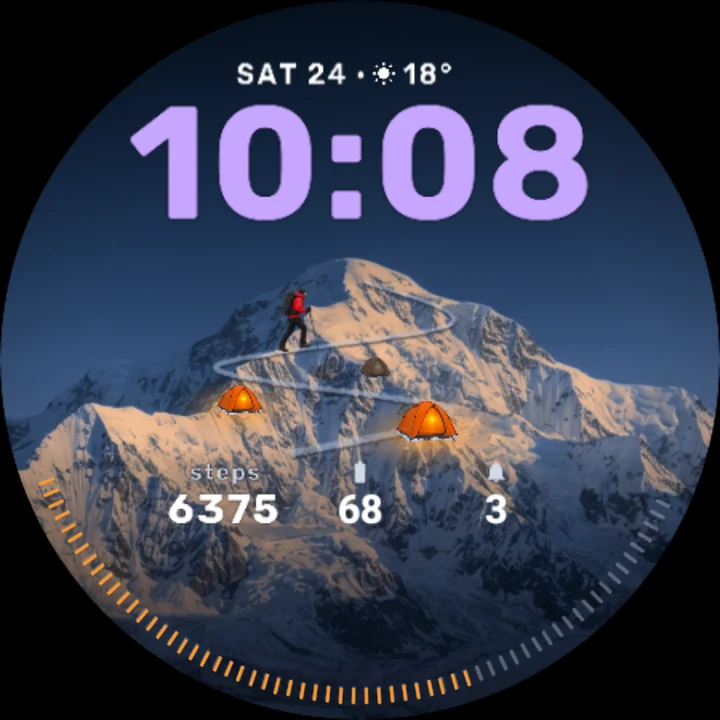
Snow massif, violet
A photoreal mountain at blue hour is the dial, and your steps to the daily goal are the climb. A little hiker stands on the mountain's switchback trail: at the start of the day at the foot of the trail, and beside the summit when you reach your goal. Every weekday brings a different peak.
Seven mountains
A pyramid peak on Monday, a volcano cone on Tuesday, a Himalayan giant on Wednesday, a glacier dome on Thursday, granite spires on Friday, a snow massif on Saturday and a ridge peak on Sunday. Or pick the one you like and keep it.
The climb
- The hiker walks the trail as your steps add up, turning at every switchback.
- Three camps wait at a quarter, half and three quarters of the way: unlit until you pass them, glowing warm once you have.
- At your goal the summit flag goes up.
- Under the mountain your steps, and a progress arc to your goal along the rim.
Two complications
Beside your steps, two readings of your choice: battery and unread notifications by default. Each shows its app's own icon over its value, or the app's name where it sends no icon. Set either to Empty and it leaves the dial clean.
Also on the dial
- The time, large, in the clear sky above the summit; 12 or 24 hours, as your watch is set.
- The day, the date, the weather and the temperature.
- From 8 in the evening night falls over the mountain: stars, a moonlit peak and the camps you reached glowing.
Tap the dial
Spindrift blows off the summit. It does the same as each new hour comes in.
Make it yours
- Mountain: by weekday, or any of the seven.
- Accent: white, ice blue, sunrise orange, alpine green, gold, red, violet or sky, for the time.
- Always-on: the time with the ridge and the trail, or the time alone.
Always-on
The screen goes dark; the mountain's ridge stays as a thin line, the hiker a small dot on the dim trail, with the time and the date.
To customize, touch and hold the watch face, then tap Customize.
The weather comes from your watch's weather service: if it does not show, open the Weather app on your watch once. Works on watches with Wear OS 6 or later. Made in Watch Face Format: nothing to install on your phone, no permissions, no data collected.
Part of Tempus Arcanum, a collection of watch faces.
Similar watch faces
 FlightFly above the clouds: a jet tells the minutes, a hot-air balloon the hours
 Cat and GoldfishA photoreal ginger cat watches a goldfish bowl and taps the glass when you look
 Golden PuppyA golden puppy rests its paws on big 3D digits - and looks up when you do
 White Tiger CubA white tiger cub rests its paws on big 3D digits - and yawns when you look
 Curious Kitten FreeA fluffy kitten watches a ball of yarn roll round the dial - its eyes follow it
 Hypnotic Snake EyeA python's rainbow eye is the dial - tap it and the rings spin into a spiral