Art & world
Vitruvian Man
A Renaissance pen-and-ink drawing is the dial, inspired by Leonardo da Vinci
 In the Tempus Arcanum app on Google Play
Looks
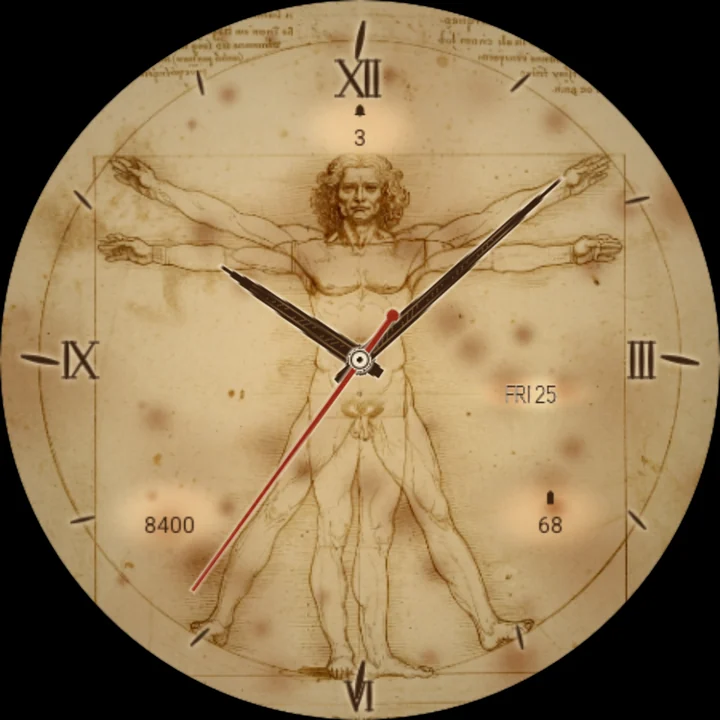
Parchment classic 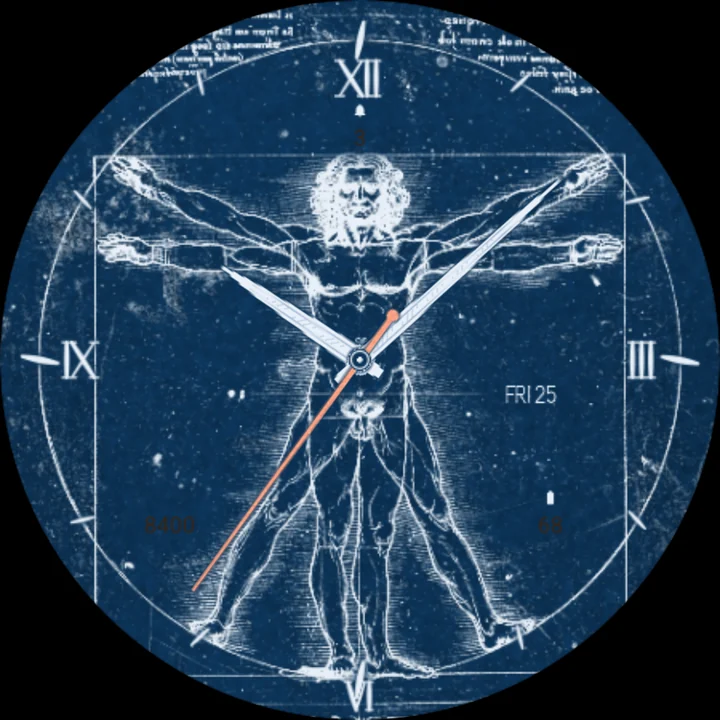
Parchment aged 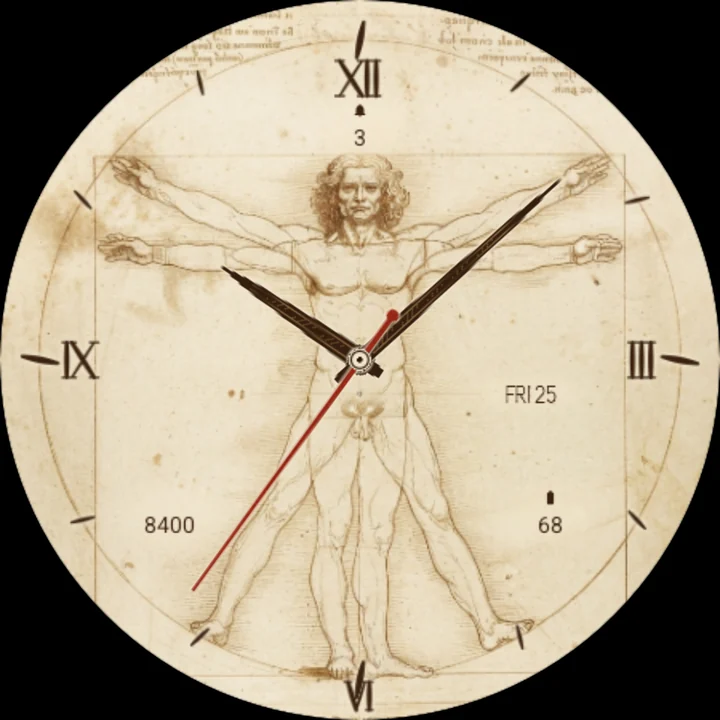
Parchment blueprint
A pen-and-ink drawing on warm parchment is the dial, inspired by Leonardo da Vinci's Vitruvian Man: fine brown iron-gall lines and delicate hatching, the famous figure with two positions of arms and legs inside a circle and a square, and lines of mirror-script handwriting in the corners. The drawing's circle is the hour circle, and the figure's navel sits right under the hands.
Hours in ink
Twelve short inked strokes cross the circle, longer at XII, III, VI and IX, and those four stand in a Renaissance hand, sepia with a soft glow of parchment round them.
Hands from a notebook
Bold hands drawn like the instruments in an old engineer's notebook: dark iron-gall ink bodies with fine hatching along them and a thin parchment halo, so they read at a glance over the figure's lines. A slim red-chalk seconds hand and a small compass point at the centre.
Tap: the drawing redraws itself
Tap the watch face and the lines lift off the paper, then are inked again along a front that sweeps out from the navel, the fresh ink dark and glossy where the pen has just passed.
Every hour, a golden glint
As the hour turns, the circle and the square light up in thin gold lines, traced round once, then fade.
Readings on the parchment
Steps, unread notifications and battery, with the day and date, in small sepia ink lettering on clear patches of the parchment. Put another app's complication there and it shows that app's icon, or its title where it sends no icon.
Three papers
- Classic: warm cream parchment.
- Aged: darker, with more foxing and stains.
- Blueprint: the drawing as white lines on Prussian blue, with pale hands.
Easy on the battery
The hands move once a second; the redrawing plays only on a tap and the glint only on the hour. Always-on shows the circle and the figure as a very faint line drawing, and the marks and hands as dim outlines.
Make it yours
- Parchment: classic, aged or blueprint.
- Three complications.
To customize, touch and hold the watch face, then tap Customize.
Works on watches with Wear OS 6 or later. Made in Watch Face Format: nothing to install on your phone, no permissions, no data collected.
Part of Tempus Arcanum, a collection of watch faces.
Similar watch faces
 Starry NightA swirling starry night painting is the dial, inspired by Van Gogh's work
 Great Wave PrintA woodblock print of a great wave is the dial - tap and the wave crashes
 The Golden KissA shimmering gold-leaf embrace is the dial, inspired by Klimt's The Kiss
 Tree of LifeA shimmering gold-leaf tree of life is the dial, inspired by Klimt's painting
 Water Lily Pond FreeAn impressionist lily pond as your dial - tap and a drop ripples the water
 Creation FrescoTwo painted hands almost touch - the watch turns in the gap between fingertips